A restaurant running on WizPOS, right now.
A demo store with a full menu and live orders. Nothing to install, and no card. It resets every night, so anything a visitor changes is gone by morning.
- Place an order from a table QR code.
- Watch the ticket arrive on the kitchen screen, with no prices on it.
- Take the money at the counter, cash or UPI, in one go or in two parts.
- Split a bill, merge two tables, or move a customer to another table.
- Mark the team in, set this week's shifts, and book somebody a day off.
- Close the day and read it back: takings, the drawer counted, GST and a CSV.
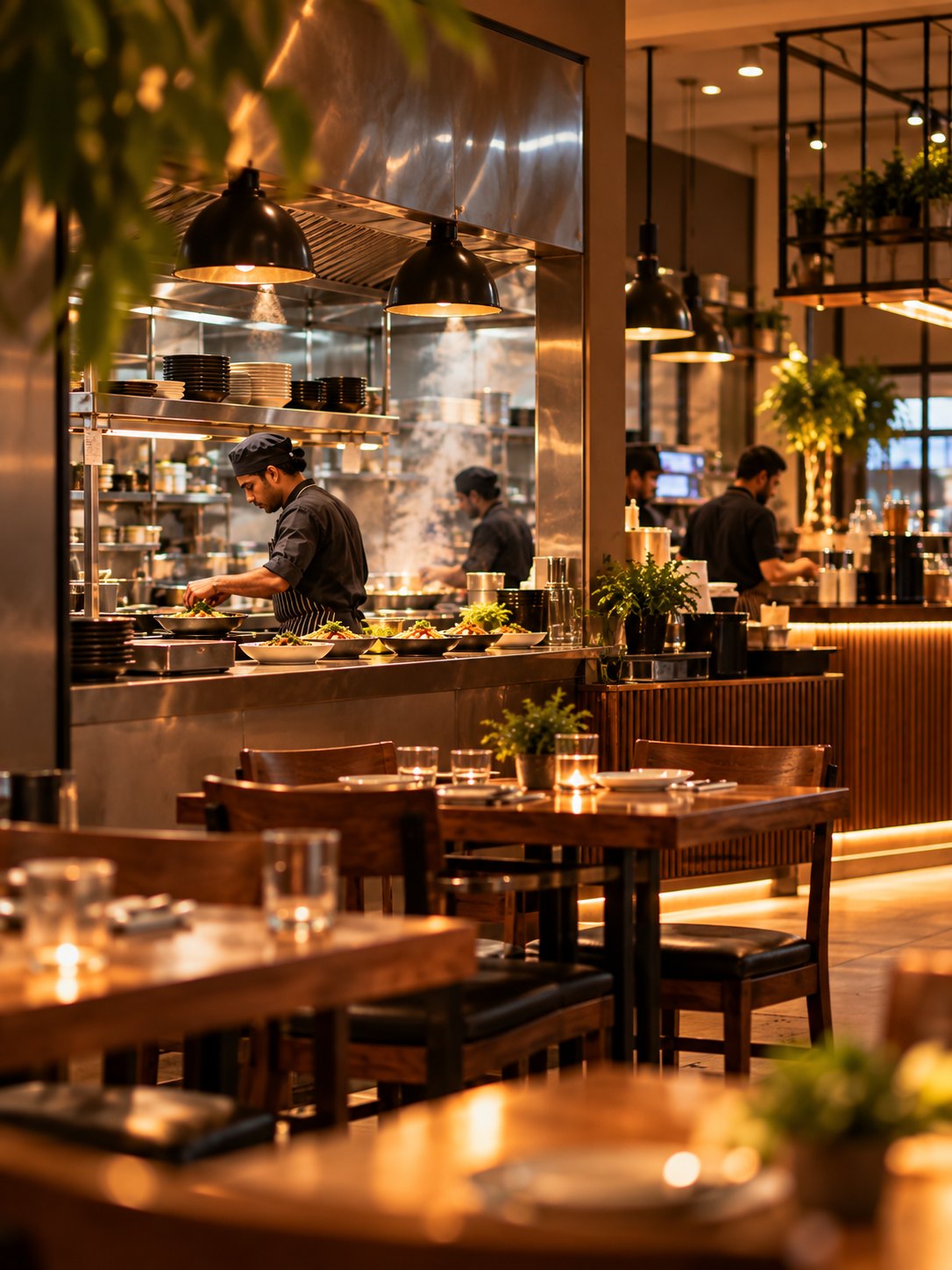
What you will see
Captured from the demo store itself, on a phone, at the size a phone shows it.
-
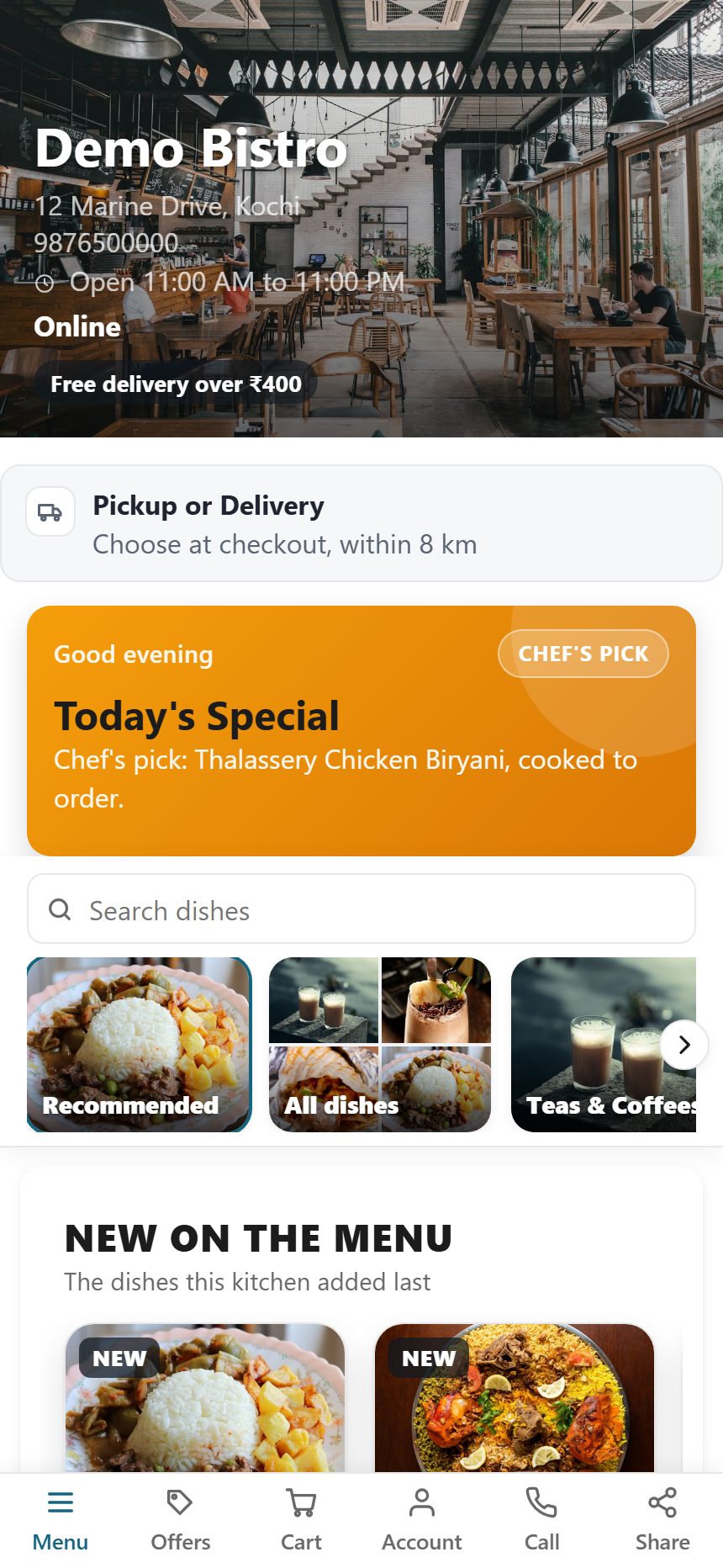 The menu
A table QR code. No app, no login.
-
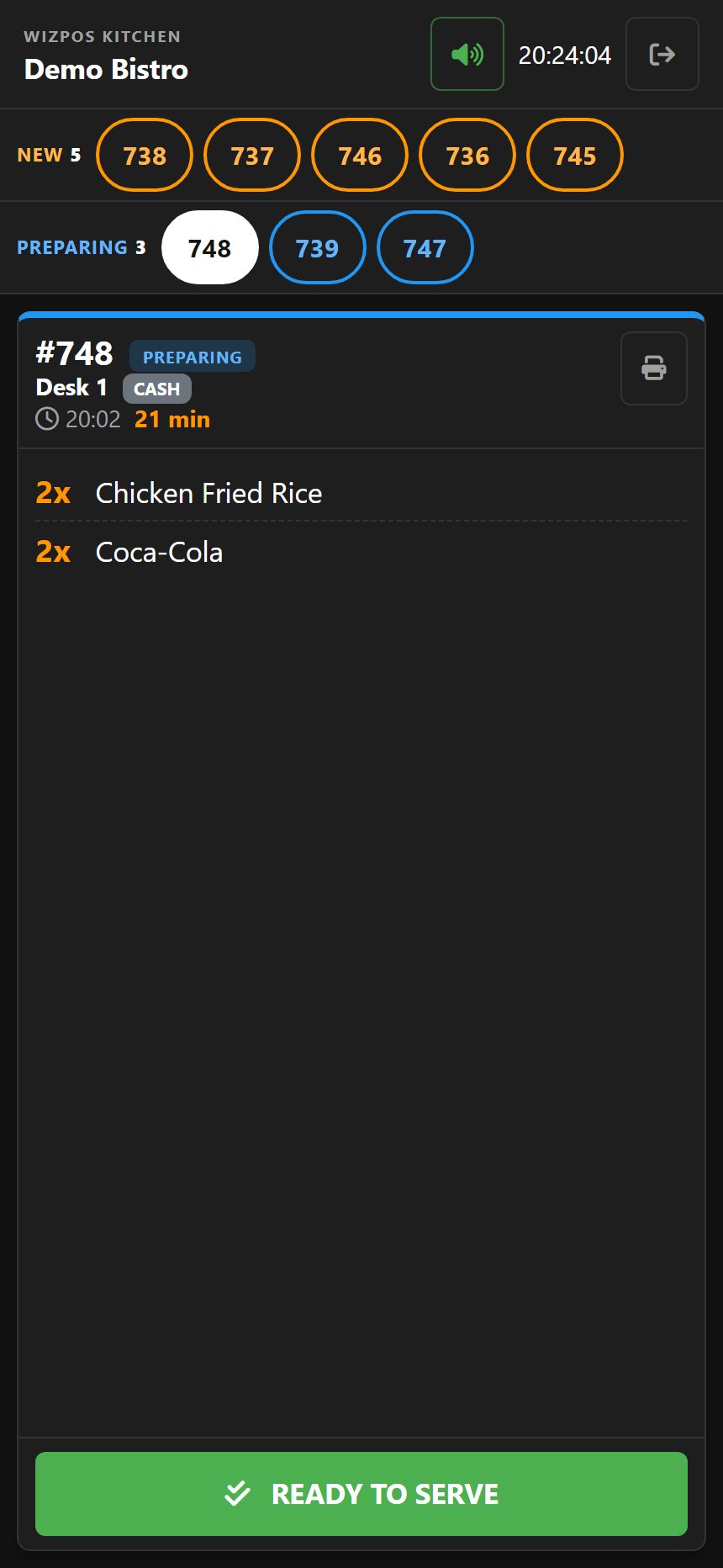 The kitchen screen
Tickets arrive with a chime. No prices on them.
-
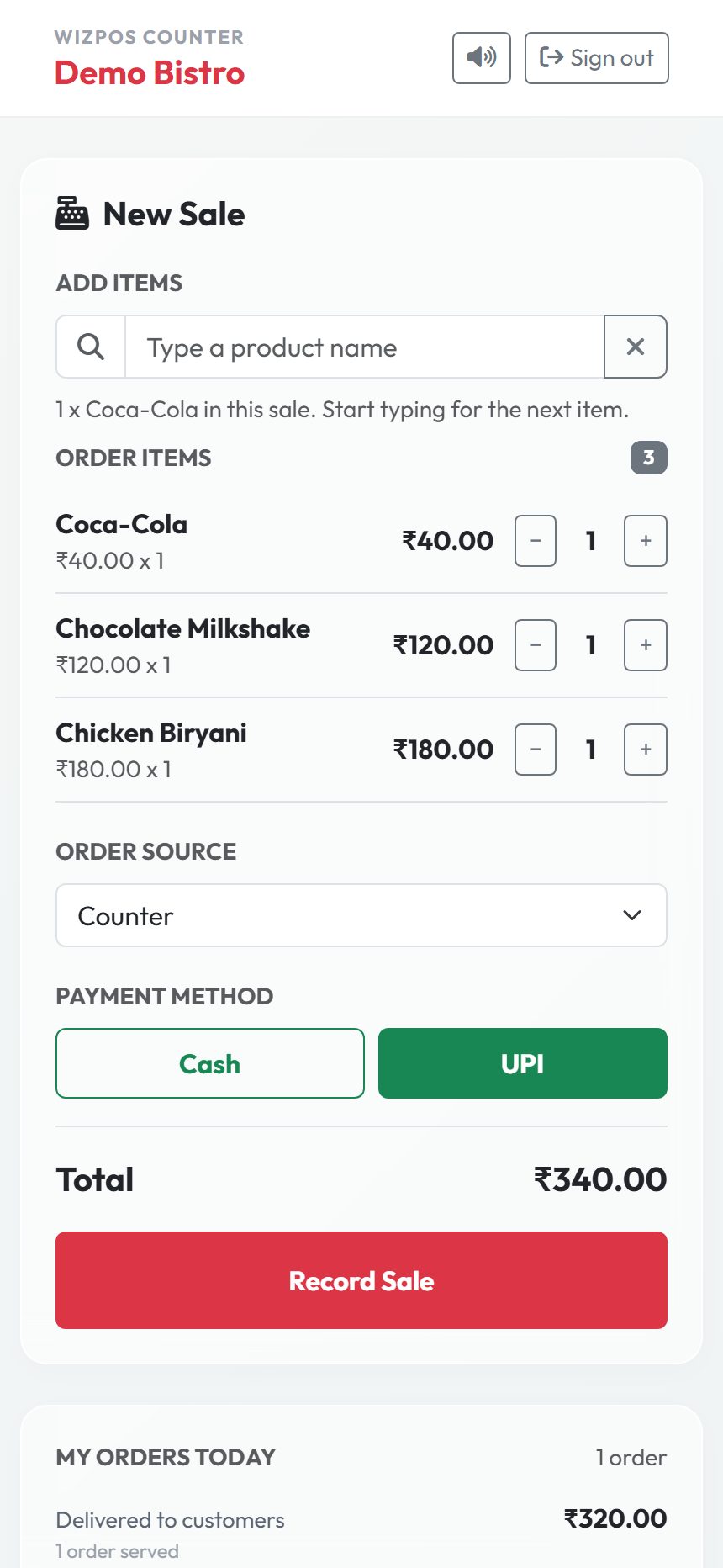 The counter
A sale being rung up, cash or UPI.
-
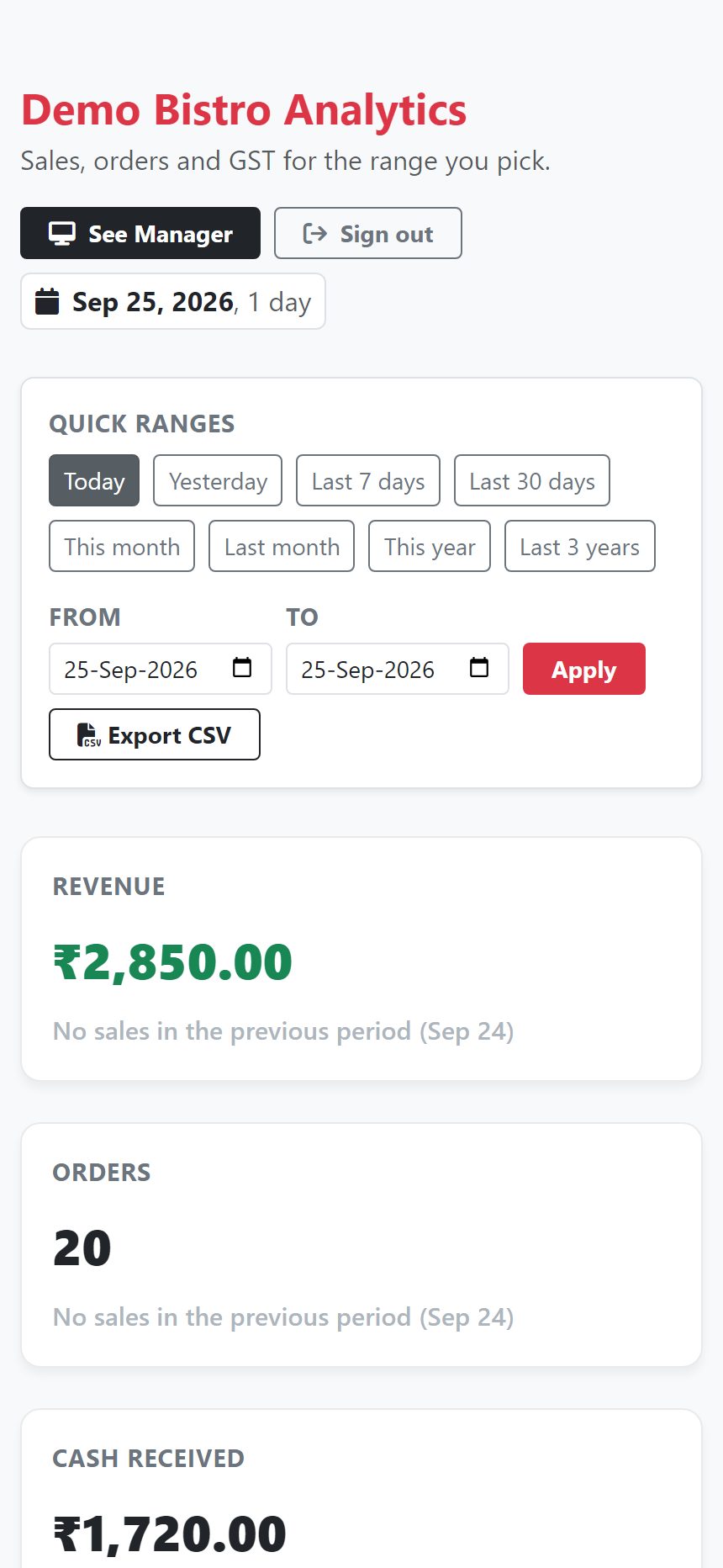 The owner dashboard
Takings, tax and a CSV export.
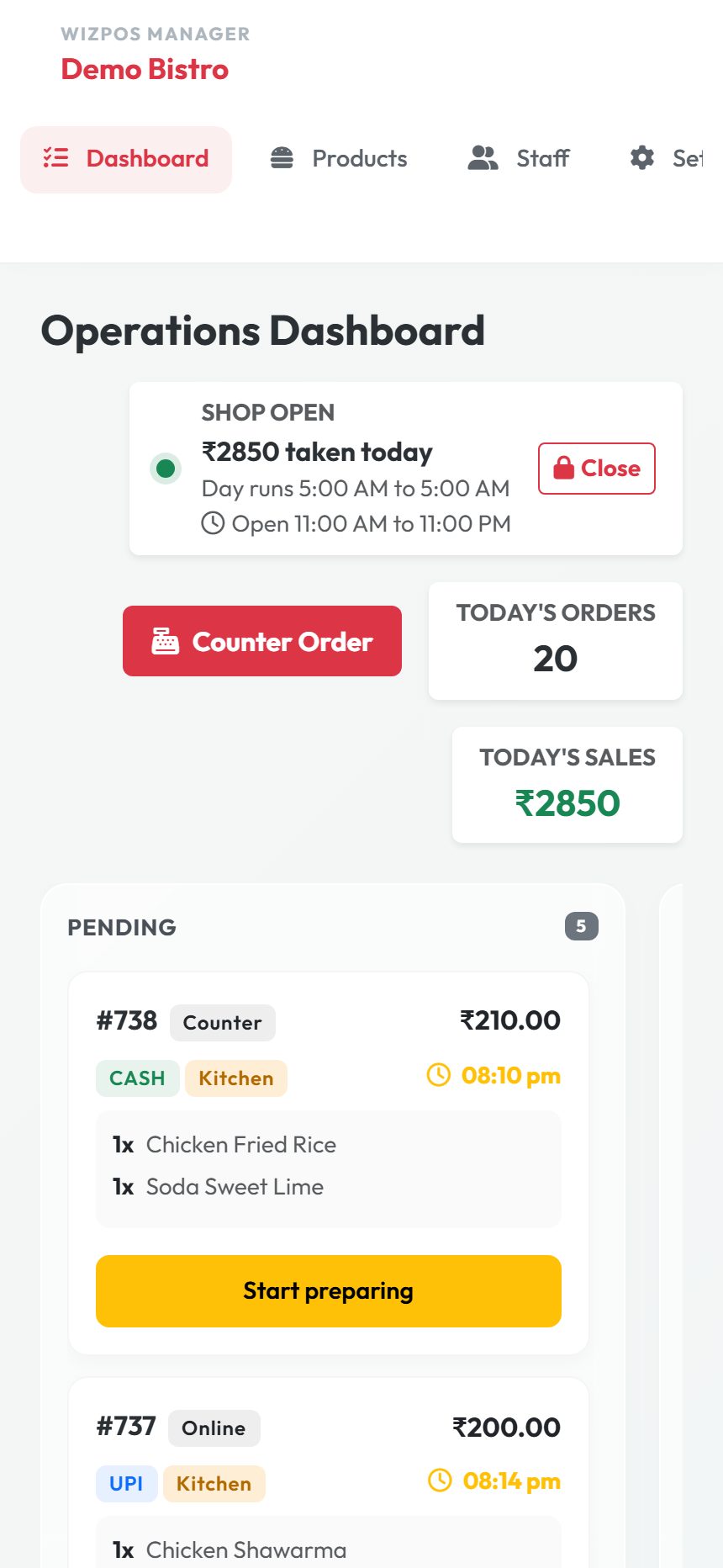
Four logins, printed on the demo page
Owner, manager, kitchen and counter. The owner and manager passwords change every night and the demo page prints the ones that work today. The kitchen and counter PINs stay the same, which is what a tablet in a kitchen needs.
The demo is the whole product, not a video of it. The screens your staff would use, the menu your customers would scan, the roster your manager would run the week from, and the reports you would read at midnight are all here and all clickable.